
Software Update
DFCine is updated regularly based on AI advances and user feedback. Follow this page to update the software.
Update steps
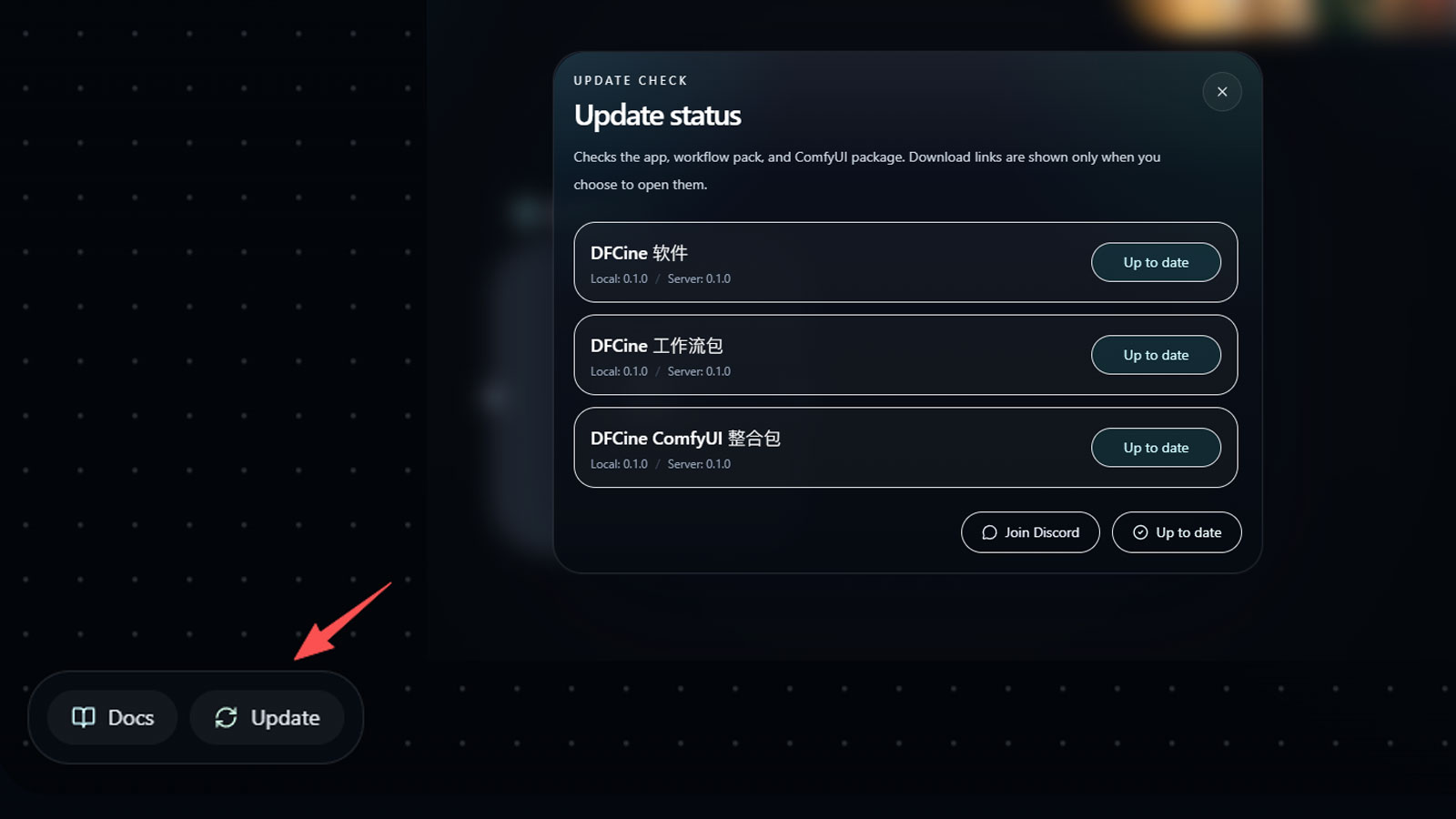
- Click the update button in the lower-left corner of DFCine. The app will automatically check whether your current version needs an update.
- If an update is available, the pop-up window will provide a download button. Click the download link to get the new archive.
- After the download finishes, delete all files in the current software root directory. If the folder contains project data, you may keep it separately, and the
userdatafolder is also recommended to keep. - Put the contents of the new archive into the software root directory to complete the update.
Notes
- The current update method is manual download and replacement.
- One-click update will be released in a future version.